
Sticky Note
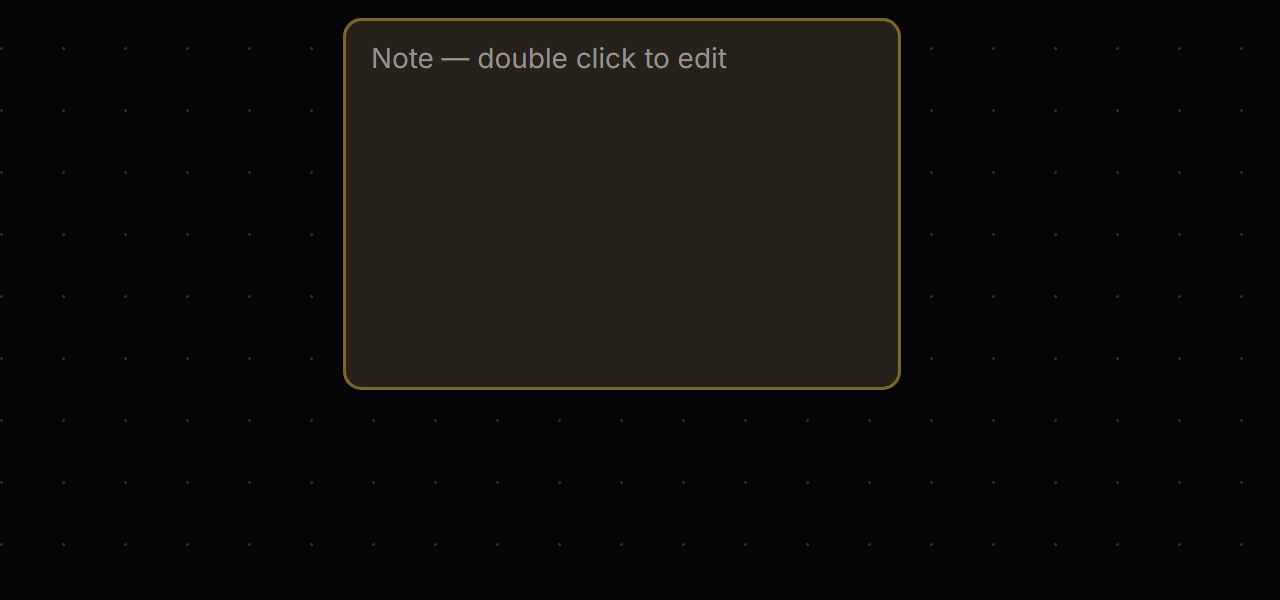
The Sticky Note block is a note you place on the canvas to explain part of your flow or leave a reminder. It is only for people reading the canvas. It doesn't do anything when the flow runs.
When to use it
- Explain why a part of the flow works the way it does.
- Mark a section, like "Payment steps" or "TODO: handle refunds".
- Leave a warning for the next person, like "Don't change the order of these blocks".
- Don't put anything here that the flow needs. A note is not connected to the flow and has no effect on it.
Inputs
| Field | Required | Default | What it does |
|---|---|---|---|
| Notes | No | empty | The text of the note. |
| Color | No | yellow | The background color: yellow, red, blue or green. |
| Size | No | 100 × 100 | The width and height of the note. Each is at least 50. |
Outputs
None. A Sticky Note has no output handle, so it is never part of the path the flow takes.
Example
Put a red note next to a risky step:
| Field | Value |
|---|---|
| Notes | This deletes the user. Keep it after the payment check. |
| Color | red |
The note shows on the canvas for everyone who opens the flow. The flow runs exactly the same with or without it.
How it behaves
- It never runs. Nothing is executed, and nothing is passed on.
- It can't fail. A Sticky Note never triggers the Error Handler.
- It is saved with the flow. Everyone who opens the canvas sees it.
- Use colors to tell notes apart. For example, red for warnings and yellow for reminders.
Related blocks
- Entrypoint: where the flow starts.
- Error Handler: another block that sits off to the side of the main path.