
DB Row Exists
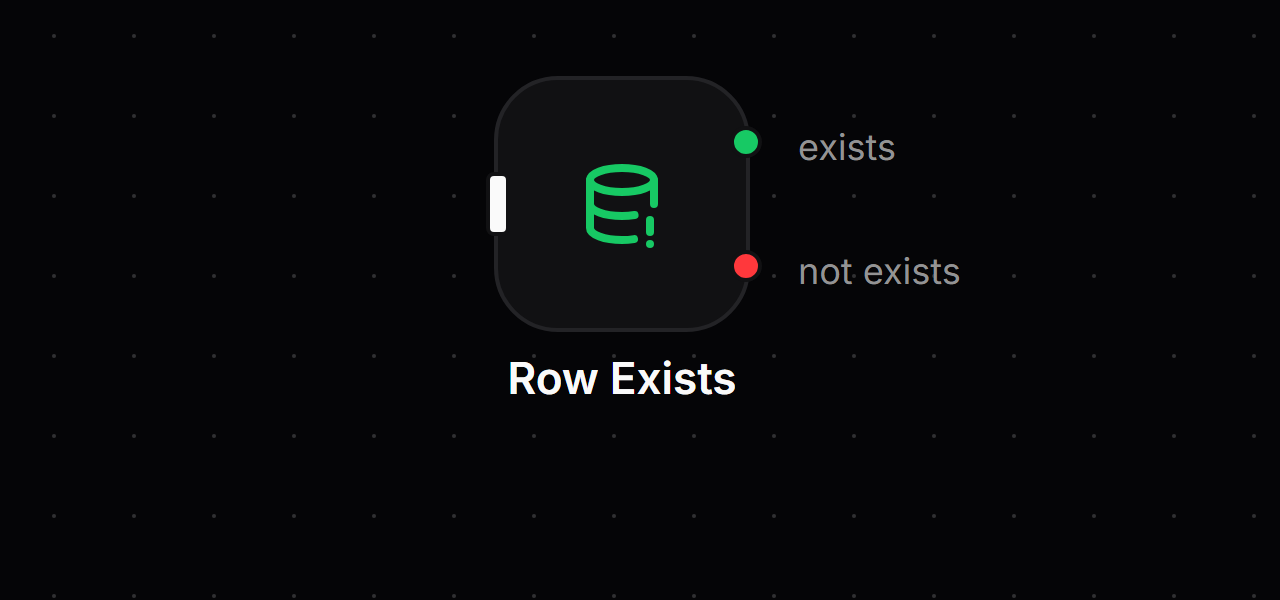
The DB Row Exists block looks up one record. If one matches, the flow continues on Success with that record. If none matches, it continues on Failure with the data it received.
When to use it
- Check for a duplicate before you insert, like "is this email already registered?".
- Return a
404when a record doesn't exist, and carry on with the record when it does. - Don't use it to load a record and keep going either way. DB Get Single returns
nullon a miss and keeps one path. - Don't use it for lists. Use DB Get All or DB Count.
Inputs
The same fields as DB Get Single:
| Field | Required | Default | What it does |
|---|---|---|---|
| Connection | Yes | none | The database integration to use. |
| Table Name | Yes | none | The table (or collection) to look in. |
| Conditions | No | none (any record) | Rules that find the record, see DB Conditions. |
| Joins | No | none | Other tables to combine, SQL only. See DB Joins. |
| Columns | No | every column | Which columns the Success record holds. |
| Save output to variable | No | off | Store the record in outputs.<name>, see below. |
Outputs
| Handle | When it is used | What the next block receives |
|---|---|---|
| Success (right) | A record matches the conditions. | The record itself, in the same shape DB Get Single returns. |
| Failure (right) | No record matches. | Whatever came into the block, unchanged. |
Save output to variable
When Save output is on, the matching record is saved on the Success path. On the Failure path the variable is set to null, so it never holds a record from an earlier run of the block (for example, in a loop).
Example
Stop a sign-up when the email is already taken. The previous block output { "email": "[email protected]" }.
| Field | Value |
|---|---|
| Connection | main-db |
| Table Name | users |
| Conditions | email = js:input.email |
- Success means the email exists. Connect a Response with code
409. - Failure means it is free. Connect a DB Insert that receives the original
{ "email": ... }input.
How it behaves
- A miss is not an error. The Failure path is a normal result, and the Error Handler does not run for it.
- No conditions matches any record. The editor shows a warning when that happens.
- Database errors (bad connection, missing table) are real errors. They go to the Error Handler, not to Failure.
- It is like a Get Single plus an If. Use this block instead of DB Get Single followed by If Condition.
Related blocks
- DB Get Single: load a record and keep going either way.
- DB Insert: add the record when it doesn't exist yet.
- If Condition: the general true or false branch.
- Response: answer with
404or409.